
There is no need to work harder as you take on more projects – these tools will help you work smarter:
| WEB DESIGN TOOLS | PRICE | FREE TRIAL OR FREE VERSION AVAILABLE | BEST FEATURES |
| WordPress | Starts at $4 per month | Free limited version available | Free and paid customizable themes |
| Wix | Starts at $16 per month | Free trial available | Optimized templates for your business |
| Webflow | Starts at $14 per month | Free limited version available | Layout previews for different devices |
| Square Online (formerly Weebly) | Starts at $10 per month | Free limited version available | Drag-and-drop builder |
| Shopify | Starts at $29 per month | Free three-day trial available | Built-in and customizable design themes |
| Framer | Starts at $5 per month | Free limited version available | Stack and Grids for creating responsive design |
| Google Web Designer | Free | N/A | Template gallery of video layouts |
| Sketch | Starts at $10 per month | 30-day free trial available | Reusable templates |
| Figma | Starts at $12 per month | Free limited plan available | Intuitive interface |
| Mockplus | Starts at $199 per year | Free limited plan available | Design creation, prototyping, and testing |
| Balsamiq | Starts at $9 per month | 30-day free trial available | Sketch-style design |
| Marvel | Starts at $12 per month | Free limited plan available | Design specs generation |
| Canva | Starts at $14.99 per month | Free limited plan available | Design templates for various web design needs |
| Adobe Illustrator | Starts at 22.99 per month | Free trial available | Professional-level tools for creating graphics and illustrations |
| Vectr | Starts at $3.99 per month | Free limited version available | Cloud-based drag-and-drop editor |
| Trello | Starts at $5 per user per month | Free limited version available | Automation features |
| Todoist | Starts at $4 per month | Free limited version available | Flexible project views |
1. WordPress
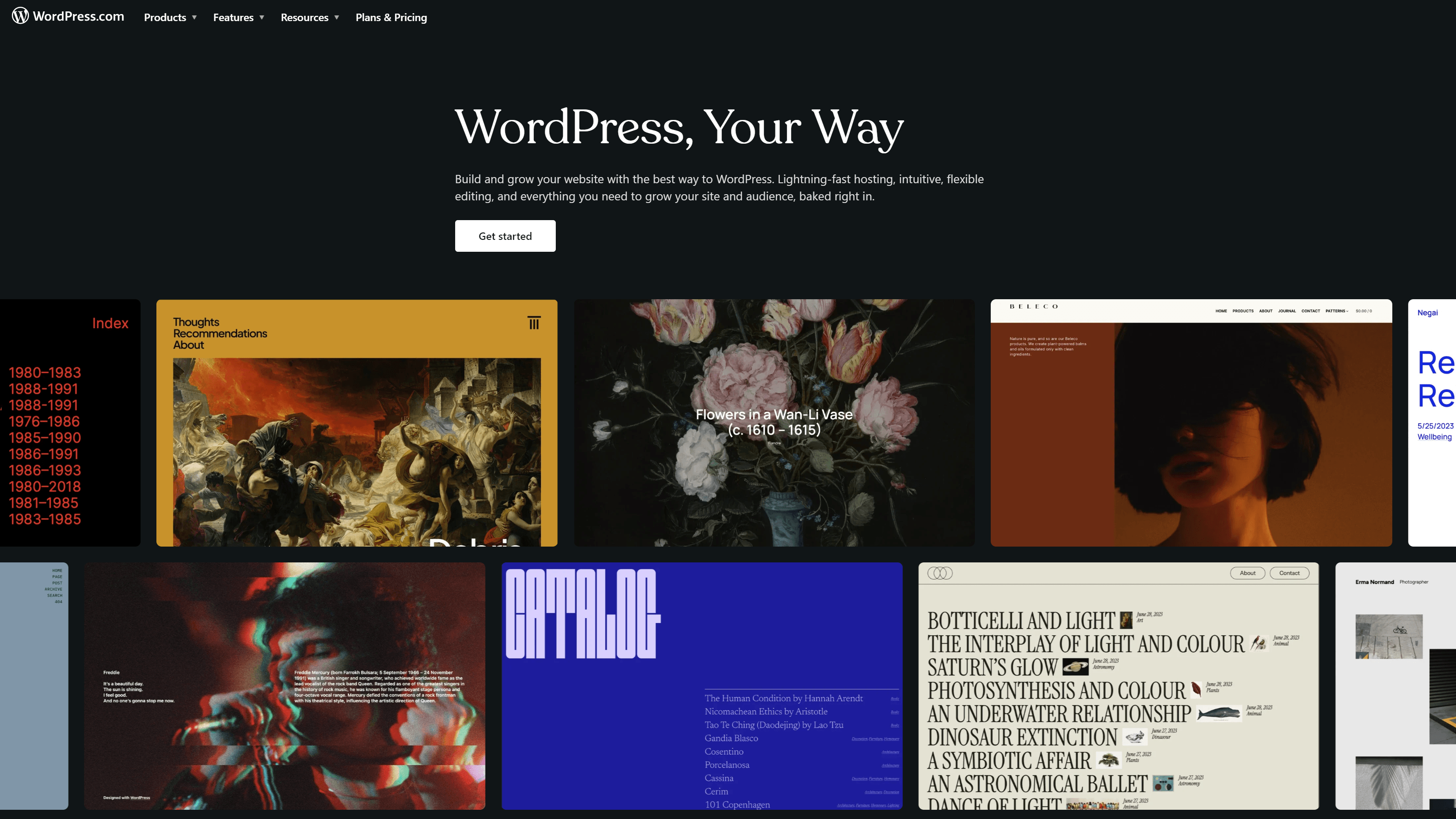
Price: Starts at $4 per month (Free limited version available)
WordPress is a popular website-building platform for beginners. Experienced designers love WordPress, too, because it’s one of the easiest and affordable web design tools. You can start with WordPress for free and check out its beautiful themes. If you want access to more design tools or to drive more revenue with your website, you can always upgrade.
2. Wix
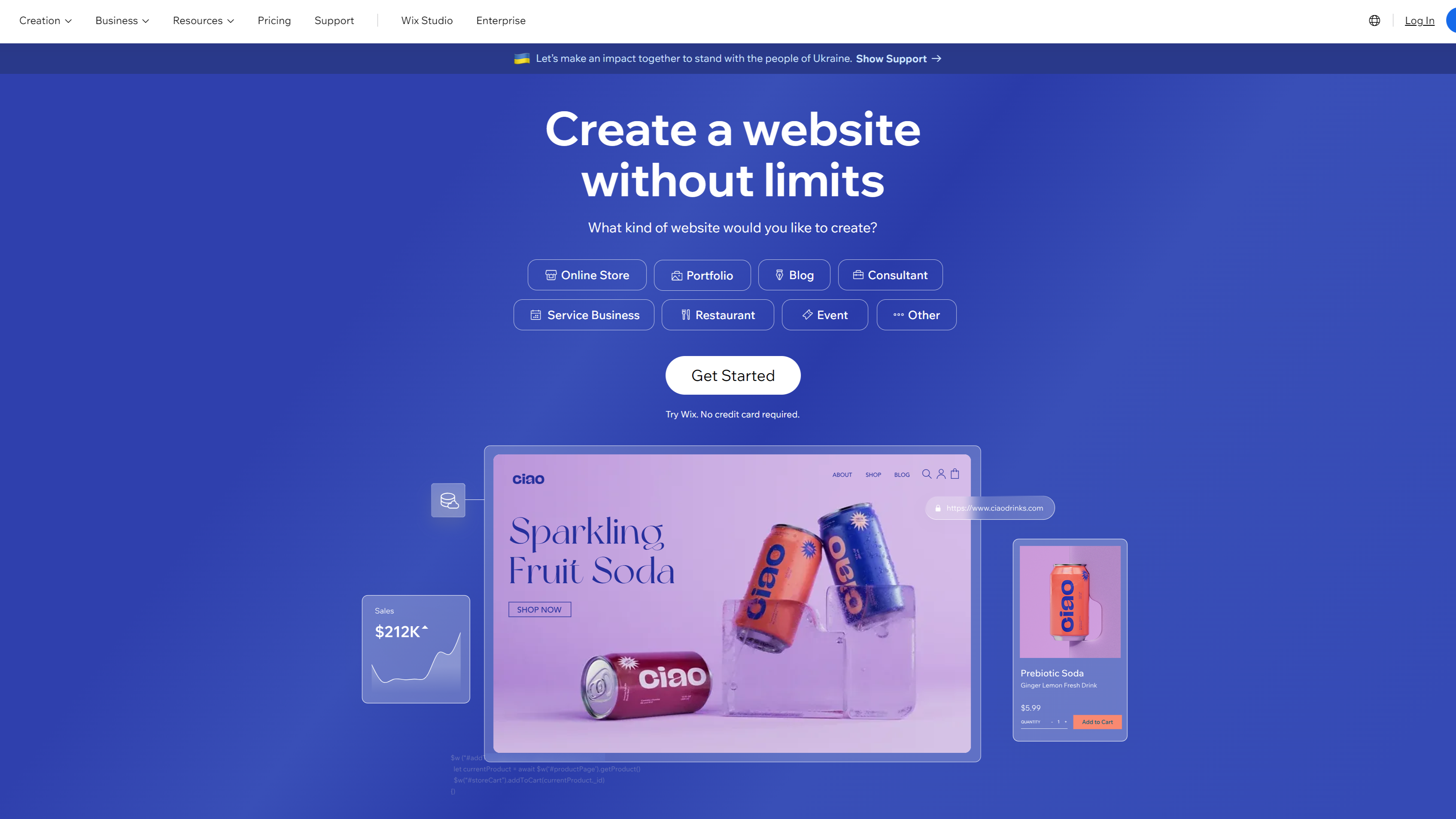
Price: Starts at $16 per month (Free trial available)
Wix is a completely code-free web design solution. Wix uses artificial intelligence (AI) to create sites for you.
You can then customize and make this site your own. Use Wix to quickly whip up prototypes or benefit from its search engine optimization (SEO) tools and analytics.
3. Webflow
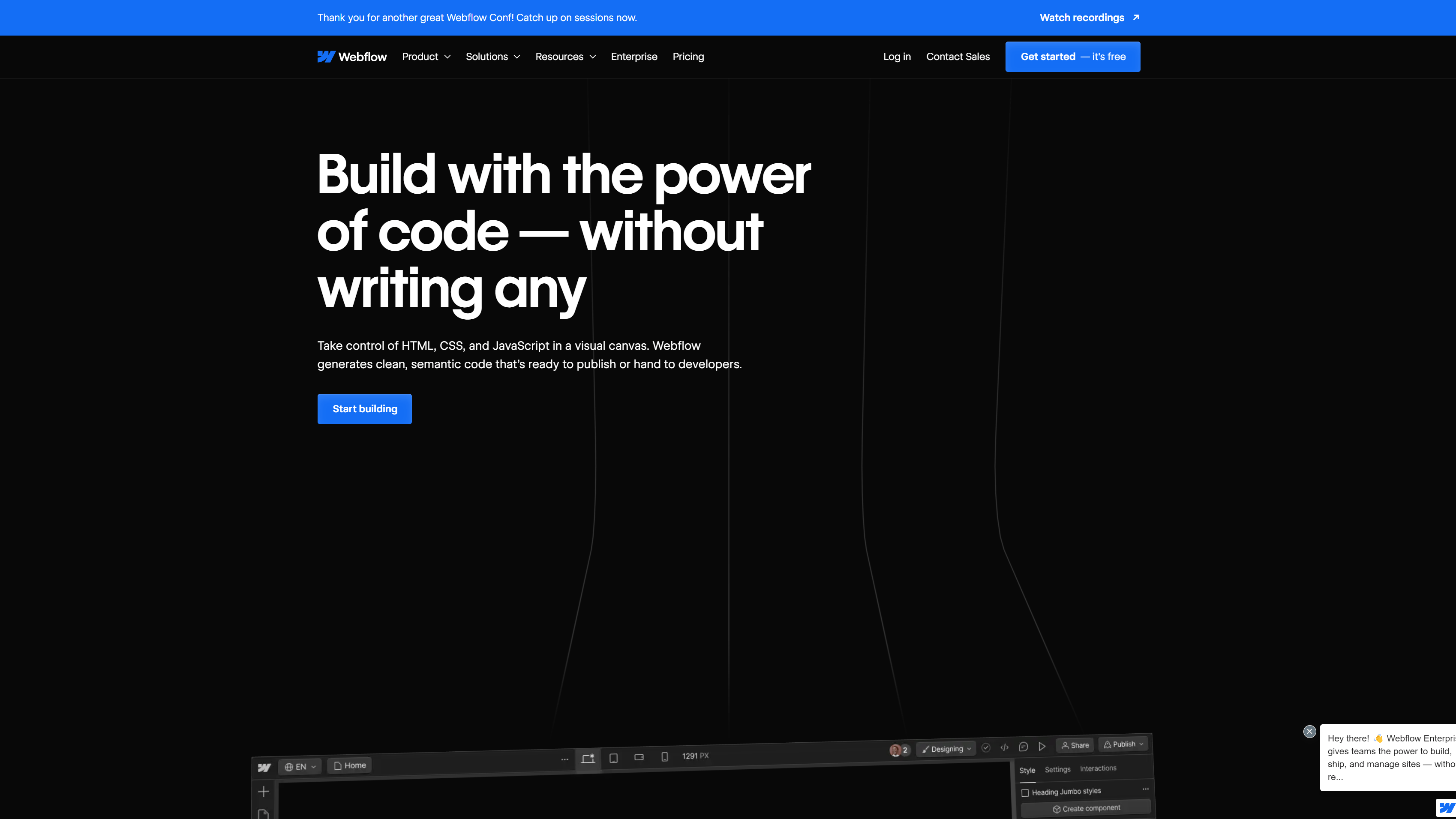
Price: Starts at $14 per month (Free limited version available)
Webflow is a no-code visual website builder that empowers designers to get their ideas out there. With Webflow, you drag design elements into the editor and build the site you envision.
Webflow automatically creates the code when you’re done, getting your designs live faster. If you want advanced customization options in a code-free solution, Webflow might be what you’re looking for.
4. Square Online (formerly Weebly)
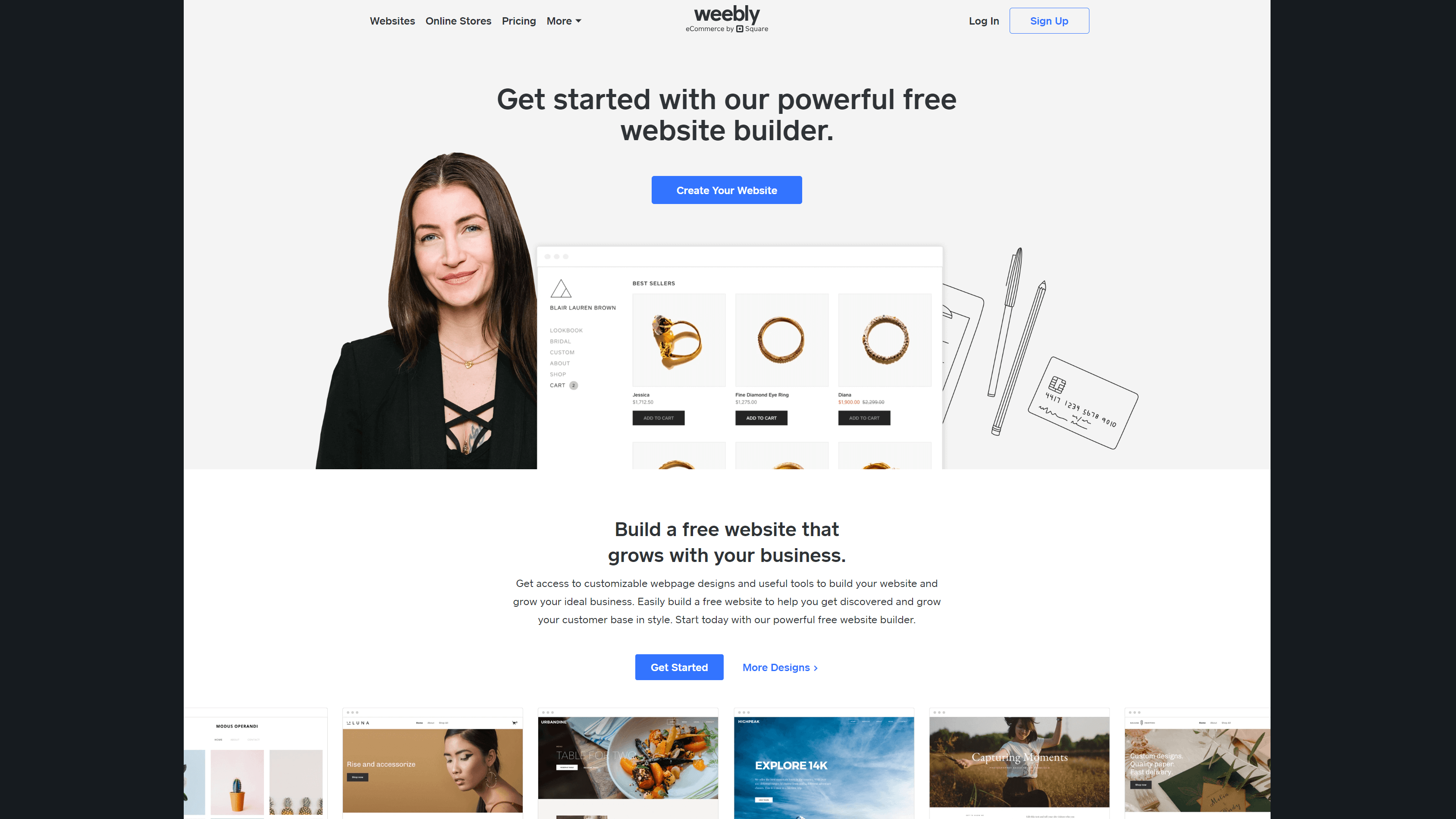
Price: Starts at $10 per month (Free limited version available)
Weebly is a free no-code website builder with ecommerce and SEO tools. It lets you choose from fully customizable themes and use tools like an image editor and drag-and-drop builder.
Its paid plans come with advanced features and more support options.
5. Shopify
Price: Starts at $29 per month (Free three-day trial available)
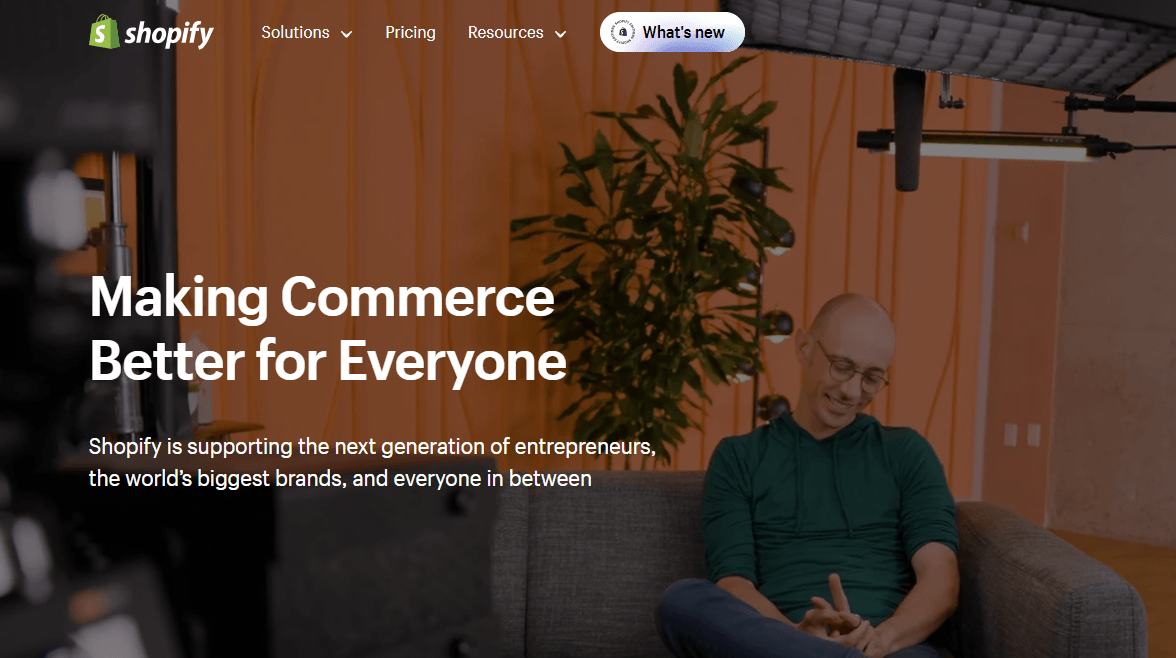
Shopify is an ecommerce platform that enables businesses to create their online stores. It has built-in design themes that you can customize to suit your brand.
It has a free business name generator and logo maker to help you get started. This web design tool also comes with ecommerce tools, like:
- Invoice generator
- Purchase order template
- Profit margin calculator
- Discount calculator
- And more
6. Framer
Price: Starts at $5 per month (Free limited version available)
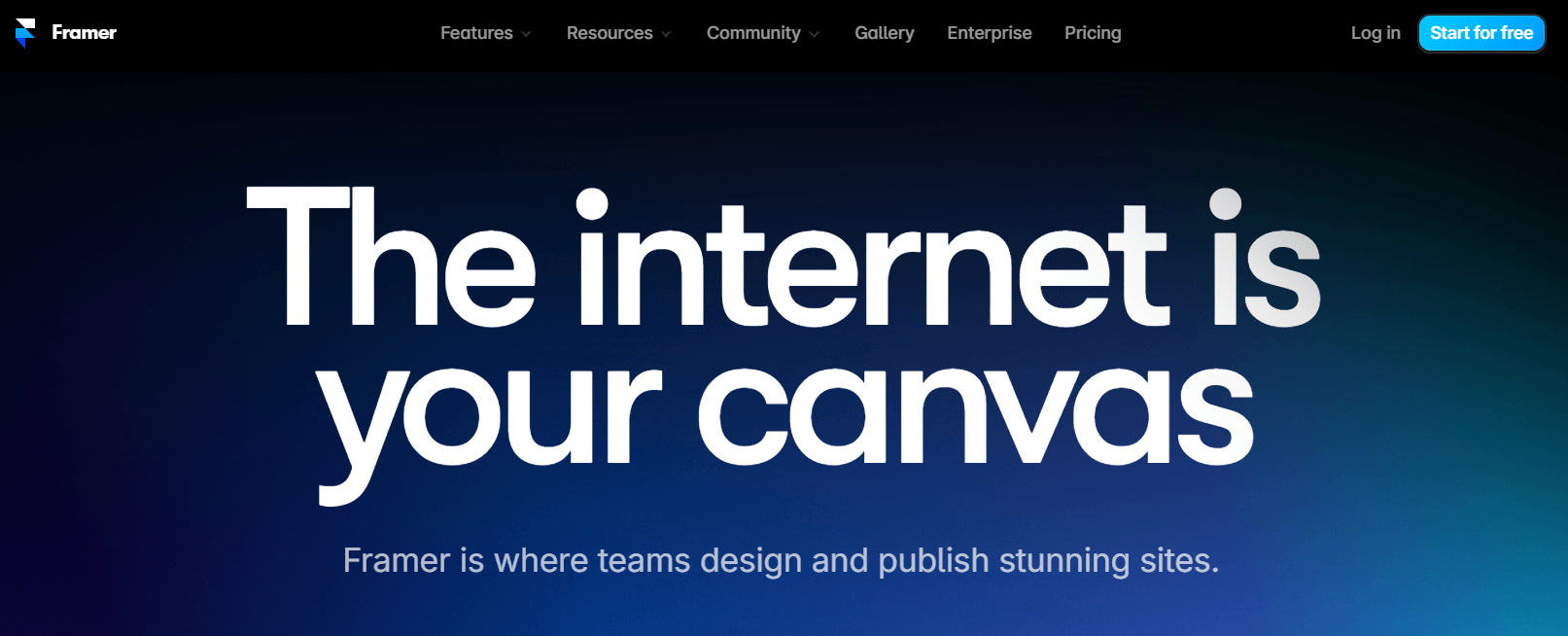
You can design and publish your website using Framer. You can also scale your content using its content management system (CMS).
This web design tool also has AI-powered features that make it easy to create new pages with localized copy. You can even let the tool rewrite your copy to change its tone!
7. Google Web Designer
Price: Free
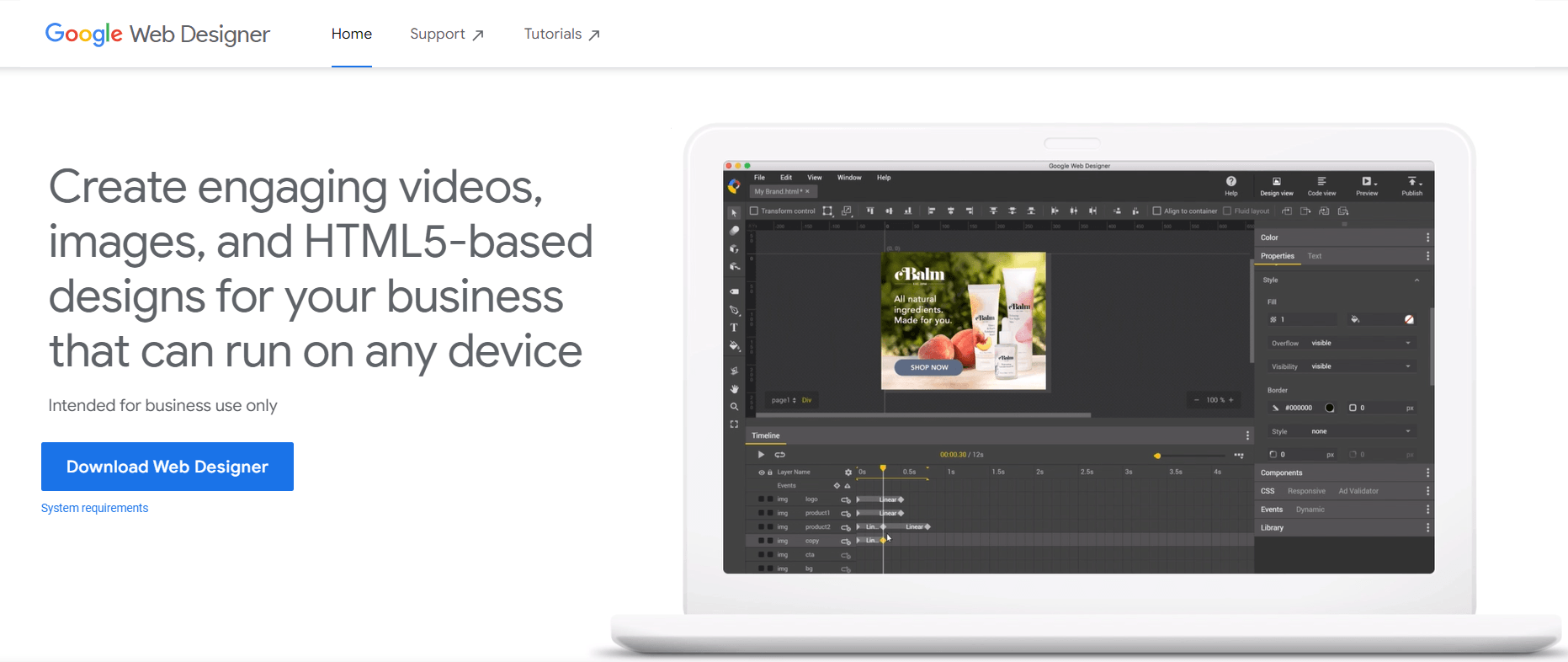
Google Web Designer is a web design tool that enables you to create engaging videos, images, and HTML 5-based designs.
Not sure how to get started designing? This tool has a template gallery of layouts you can use as a starting point for your design.
8. Sketch
Price: Starts at $10 per month (30-day free trial available)
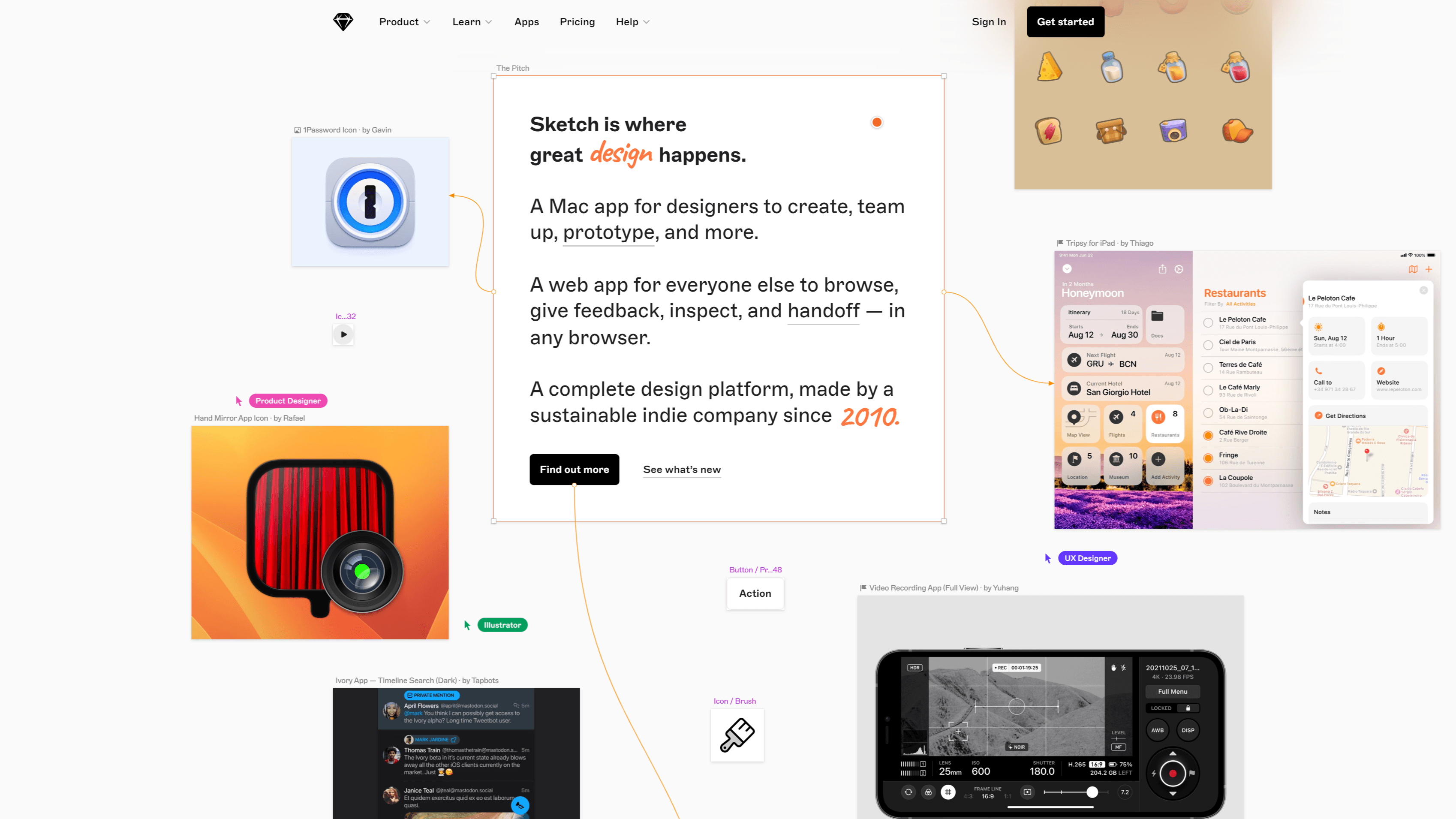
Sketch is a complete design application for Mac users that has everything you need to create prototypes and share them with your team. Enjoy reusable templates, customizable tools, and offline and local file support. Sketch emphasizes its simple controls and intuitive interface, which are designed to help you work faster.
9. Figma
Price: Starts at $12 per month (Free limited plan available)
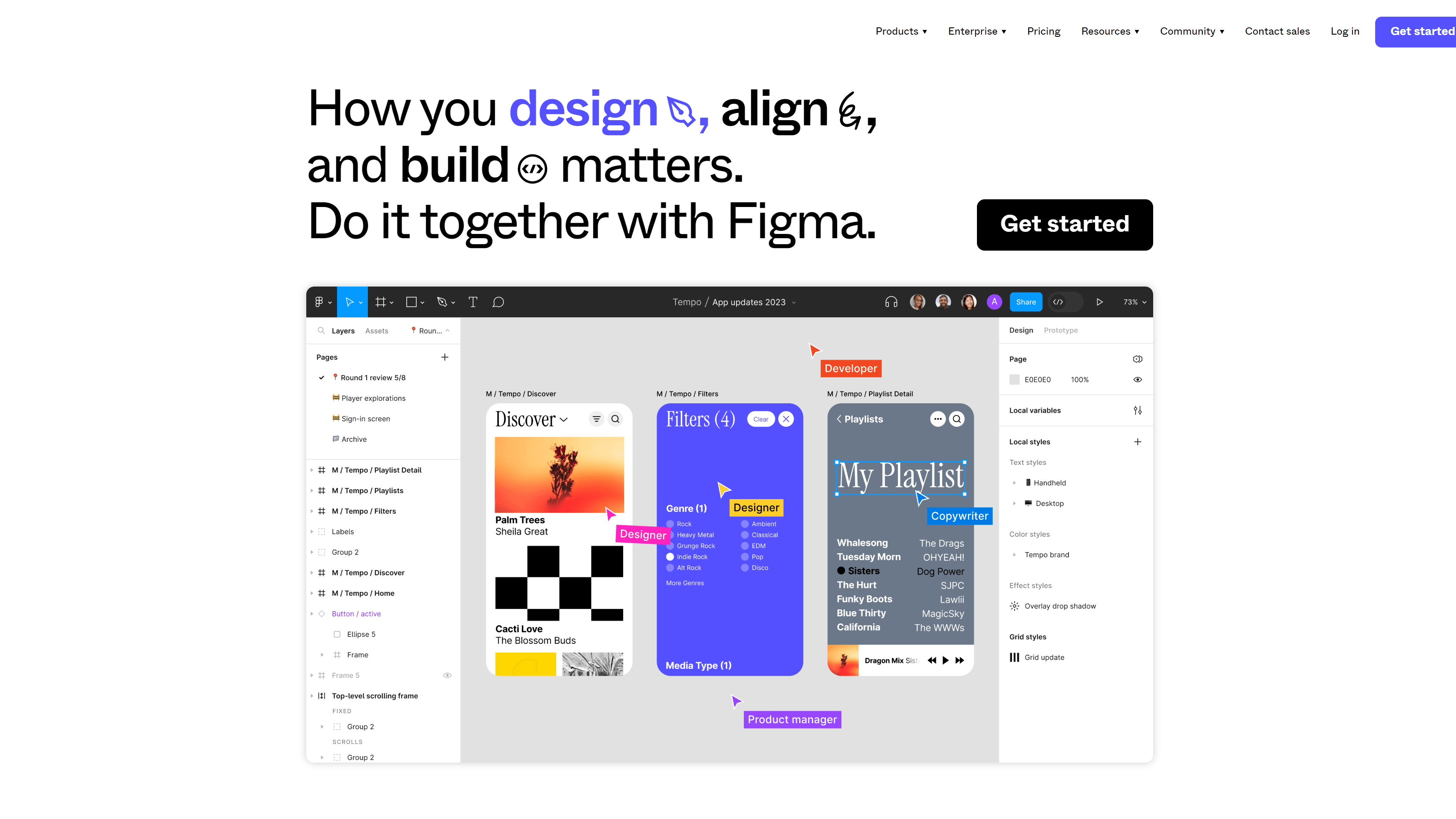
Figma is a speedy web-based design and prototyping platform built for collaboration. With Figma, each design file is a web link – there’s no need to sync or transfer files. Files are private until you decide who to share them with, similar to Google Docs. Figma claims to be the best platform for user experience design. You can give it a test and try it for free.
10. Mockplus
Price: Starts at $199 per year (Free limited plan available)
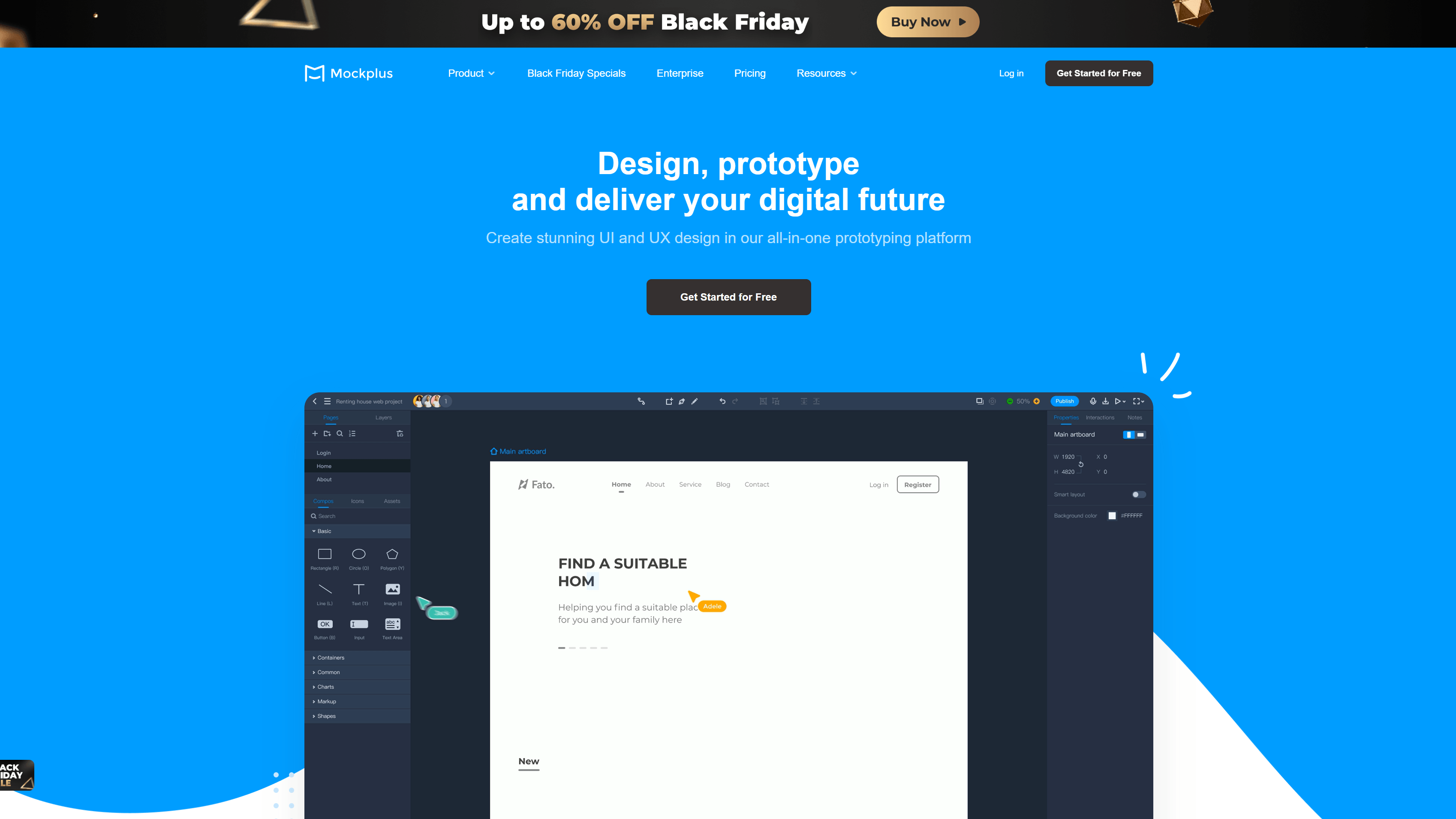
Mockplus isn’t just a web design tool – it’s a cloud-based real-time workspace and project management solution. With Mockplus, you can create prototypes to test a range of page interactions and see your designs in action. It also comes with templates and a customizable components library. Plus, it offers free plans if you want to try before you buy.
11. Balsamiq
Price: Starts at $9 per month (30-day free trial available)
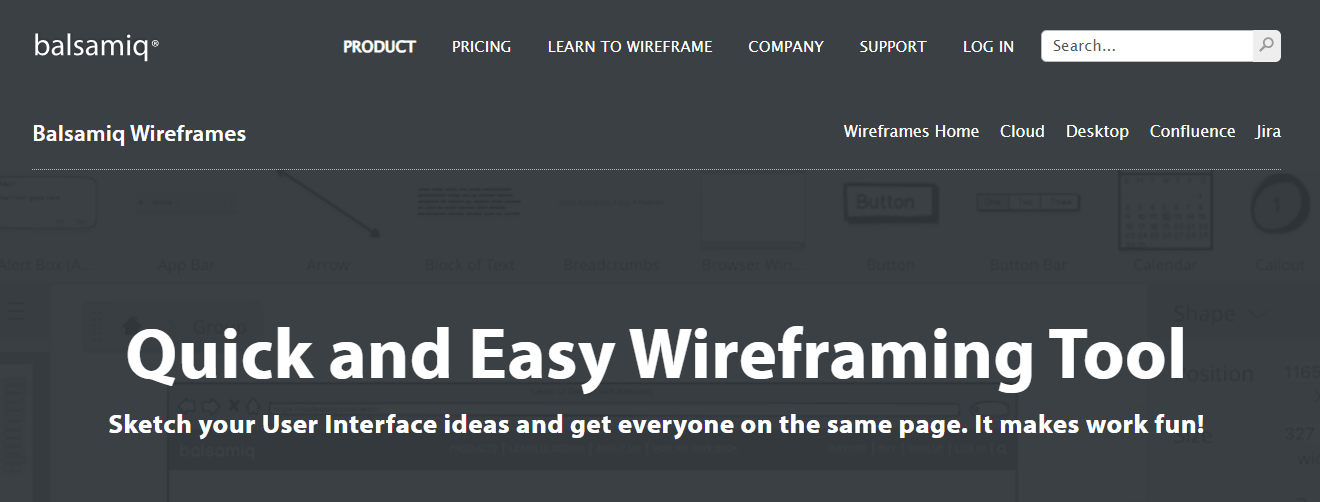
Balsamiq is a cloud-based, low-fidelity wireframing tool. You can quickly and easily create sketches of your ideas for applications or websites so that you can share and test them even faster.
It uses sketch designs so that teams can focus on design, content, and user interaction.
12. Marvel
Price: Starts at $12 per month (Free limited plan available)
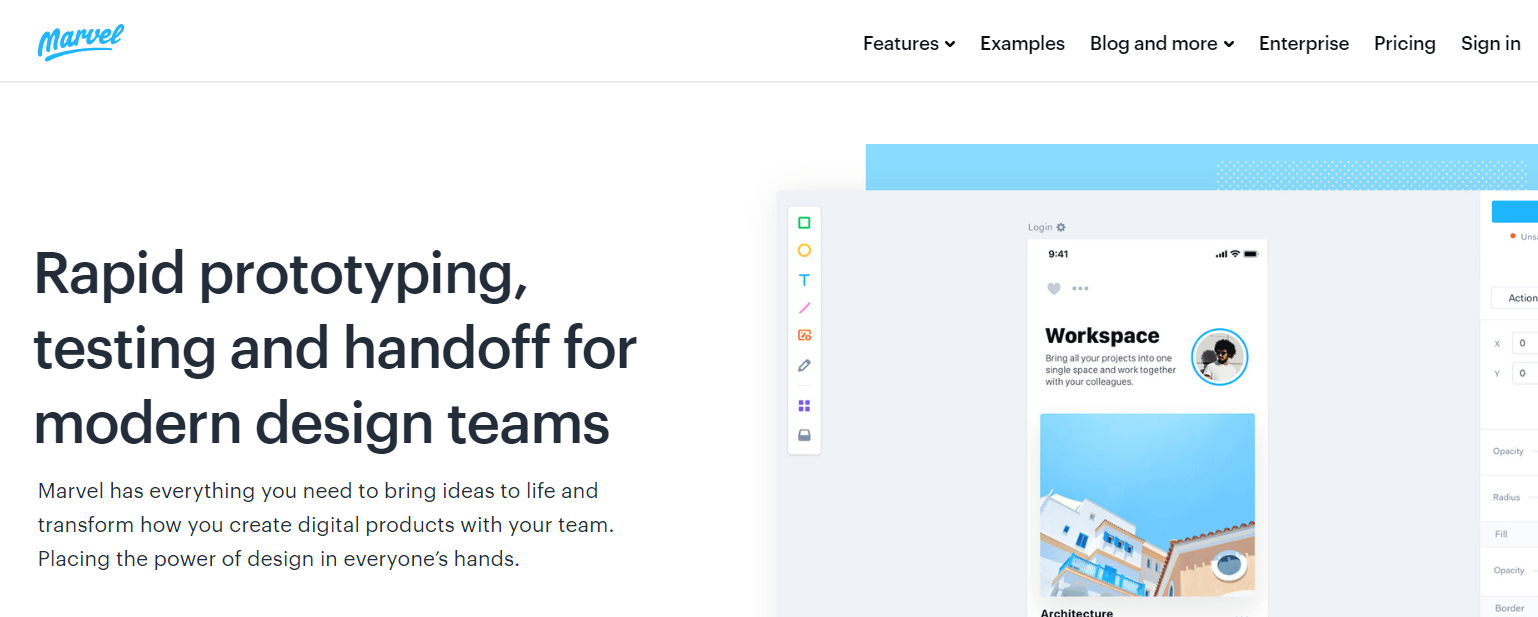
Marvel is a web design tool that enables you to wireframe, design, and prototype your site. Using intuitive tools, you can refine your interface and generate design specs.
You can also collaborate with other team members involved in your web design project using this platform. Want to plan and show your user journeys and site hierarchy in your design? Marvel can show how your audience interacts with your designs with no coding required.
13. Canva
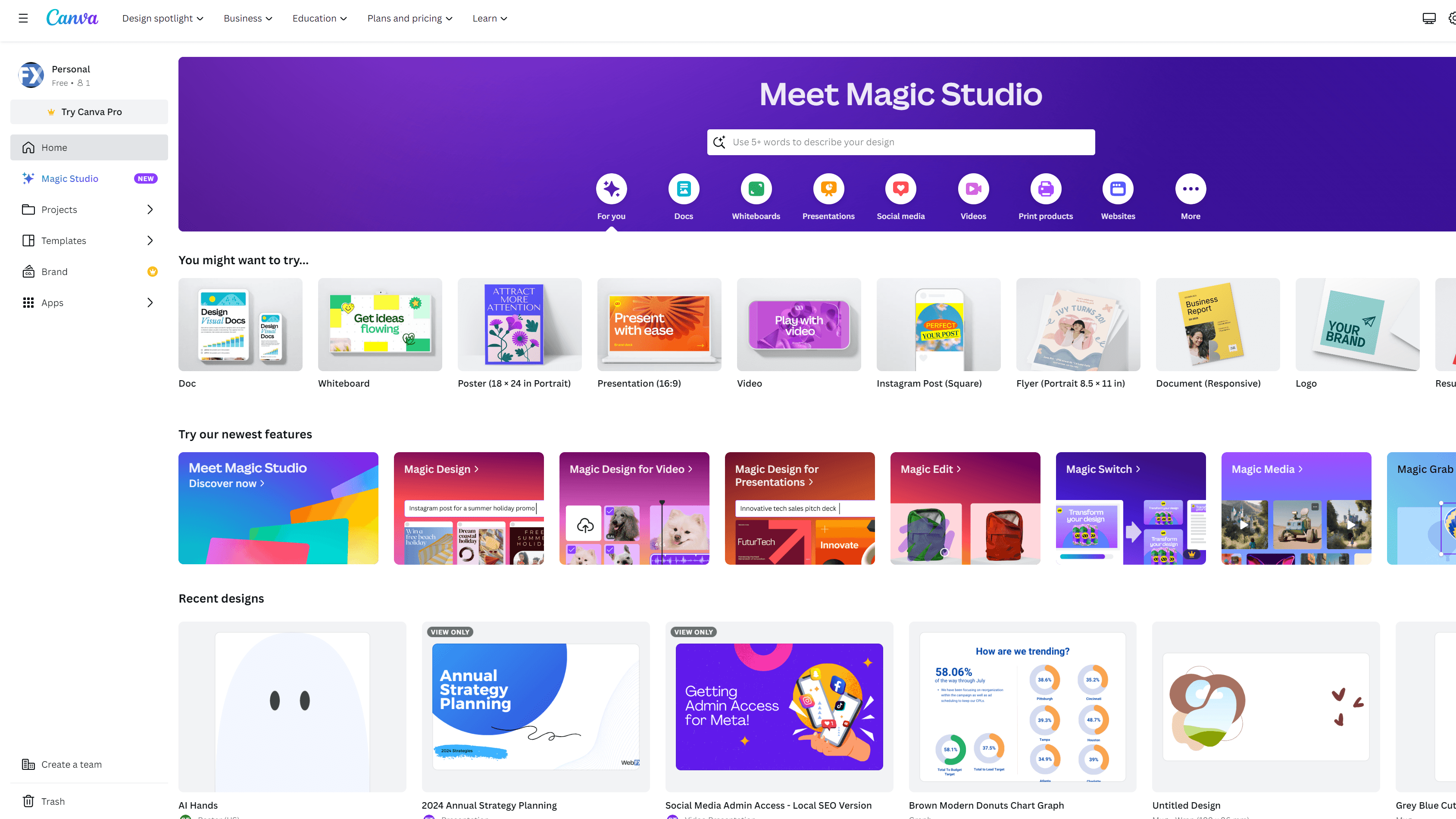
Price: Starts at $14.99 per month (Free limited plan available)
Canva is an excellent option for anyone looking to quickly create graphics – regardless of their experience. This free, beginner-friendly web design tool offers an extensive library of professional-quality templates and photos to give you a head start. Use Canva to experiment with concepts or build your design skills.
14. Adobe Illustrator
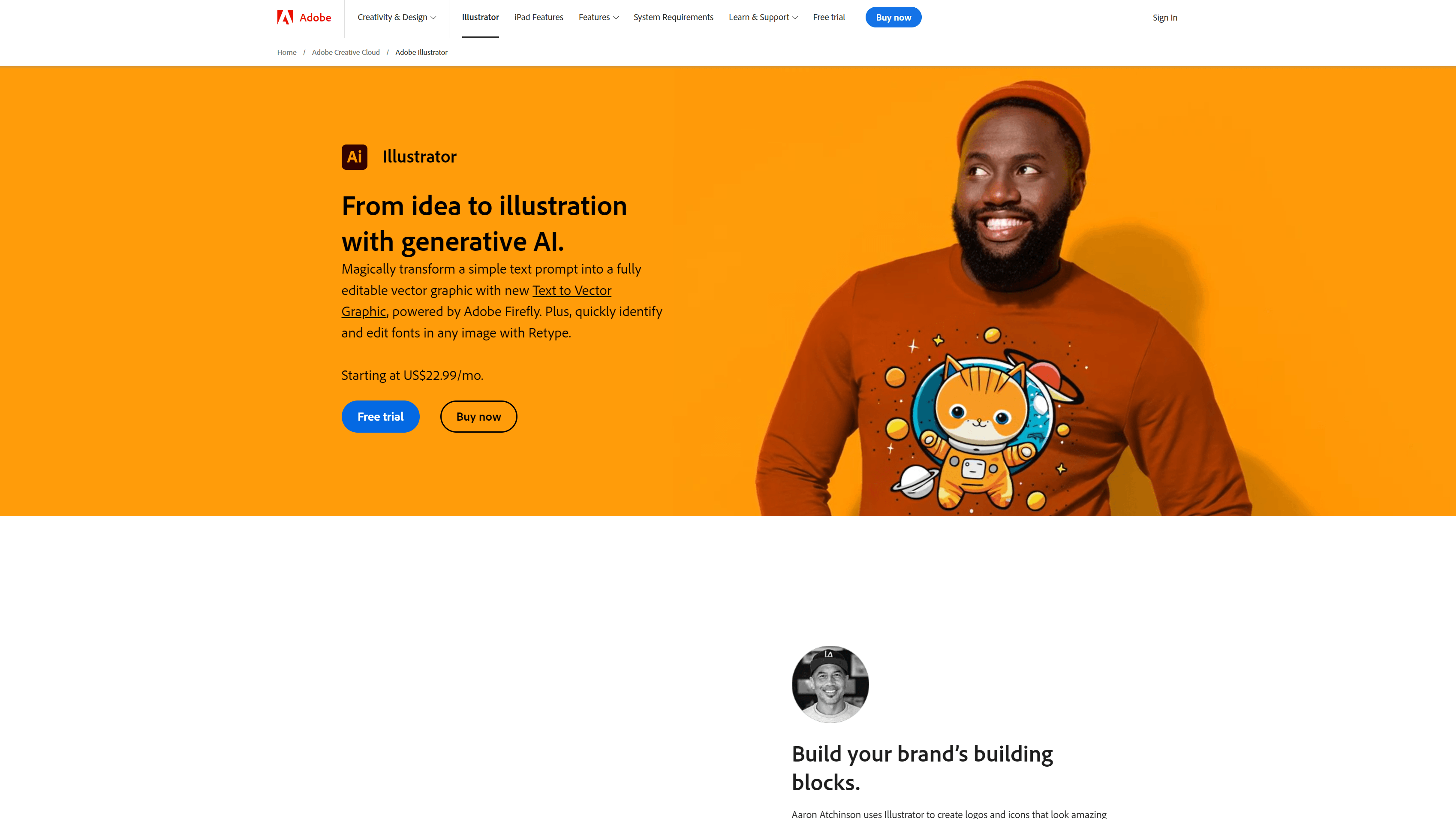
Price: Starts at $14.99 per month (Free limited plan available)
Adobe Illustrator is ideal for creating highly detailed vector graphics for your website. Create any logo, infographic, banner, or font you can dream up. If you’re new to Illustrator, there are plenty of websites to help you learn.
15. Vectr
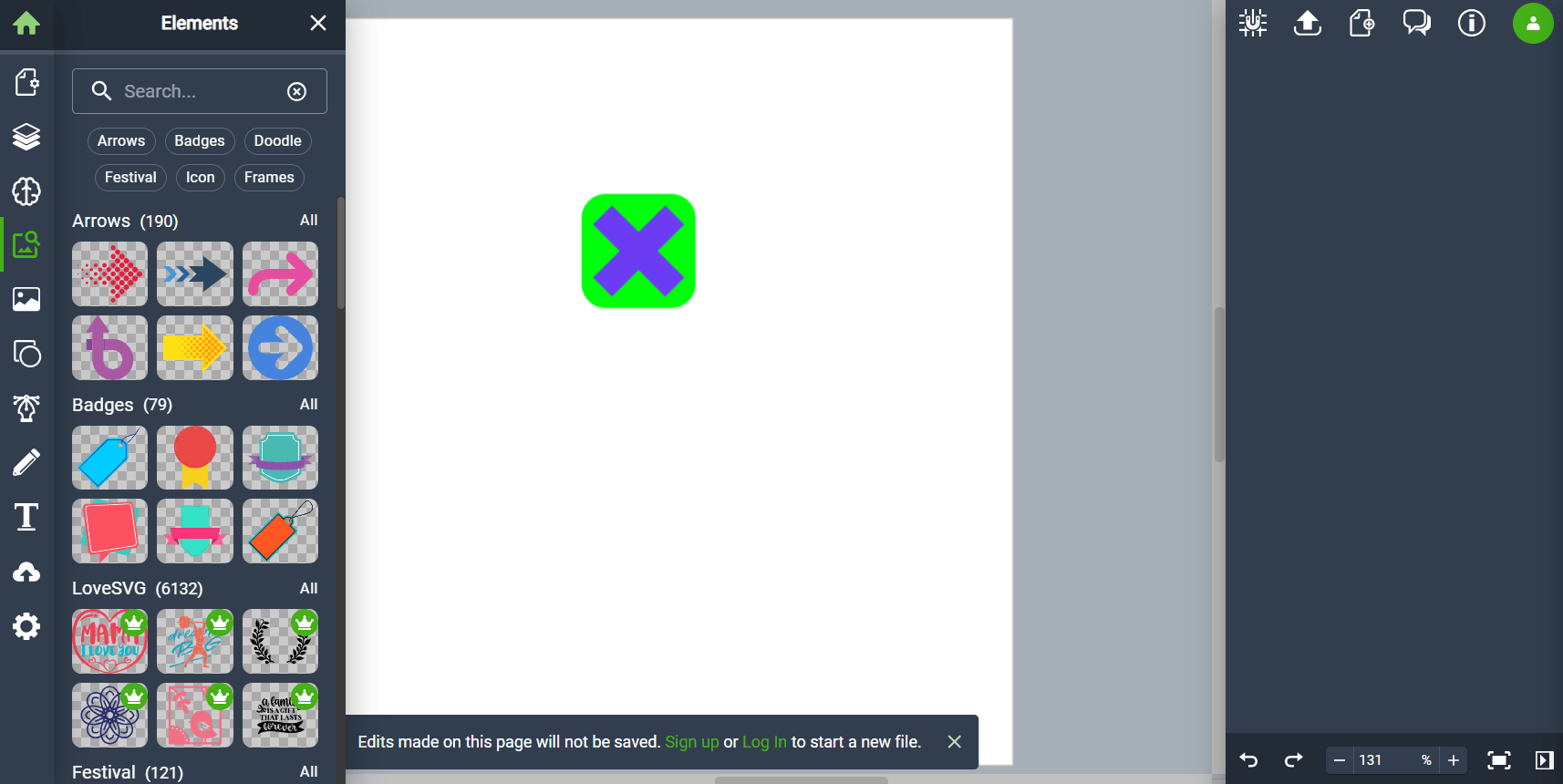
Price: Starts at $3.99 per month (Free limited version available)
Vectr is an Adobe Illustrator alternative that you can use to design vectors and illustrations., It has a user-friendly drag-and-drop editor that even design beginners can learn how to use.
Since it’s a cloud-based platform, Vectr lets you save a design and share it with colleagues to get their input!
16. Trello
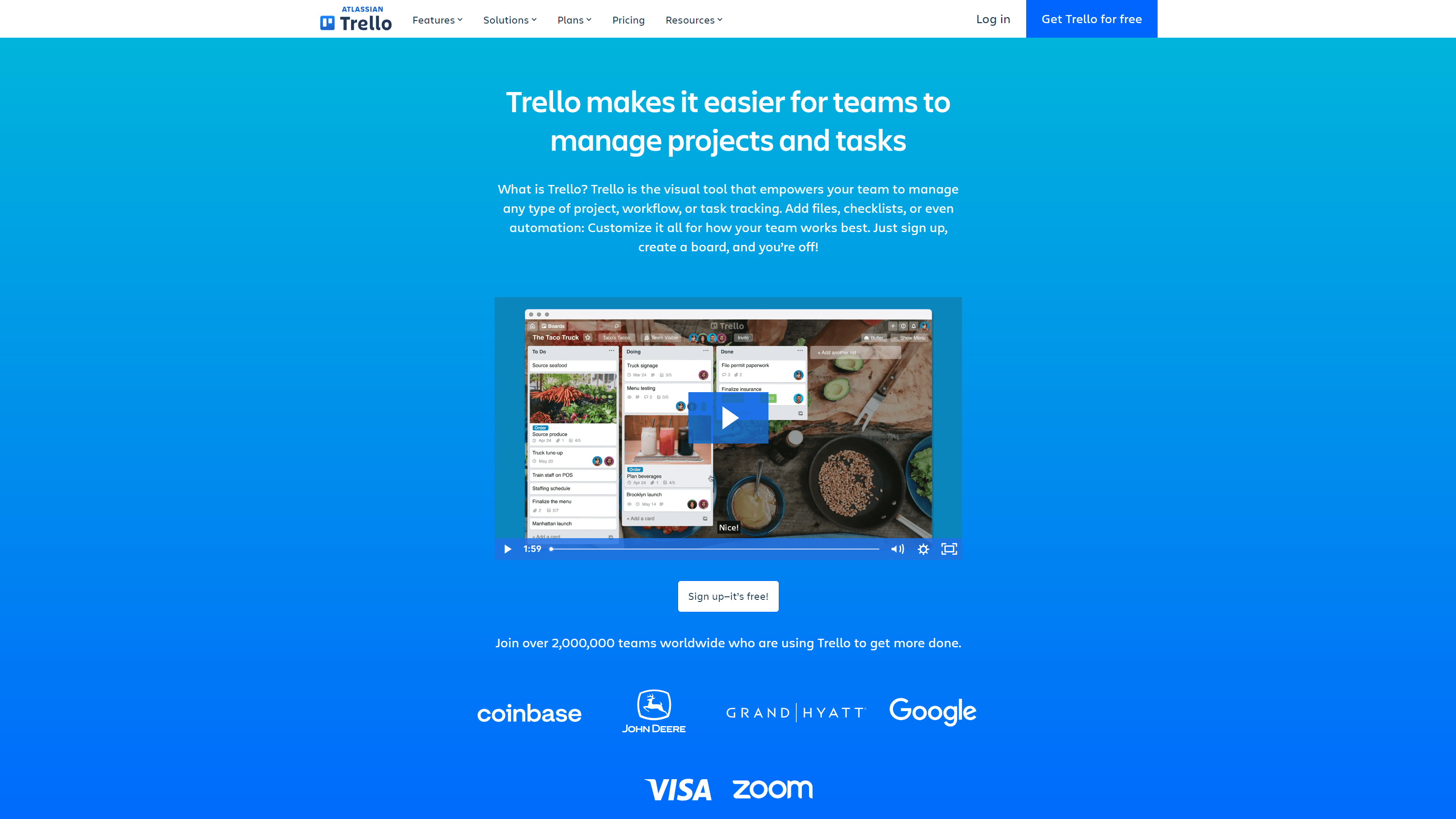
Price: Starts at $5 per user per month (Free limited version available)
If you’re managing a team and need help staying organized, consider Trello. Trello is a free, collaborative project management tool. It helps web designers organize and track project tasks using a simple interface. You can also use Trello to build the perfect workflow.
17. Todoist
Price: Starts at $4 per month (Free limited version available)
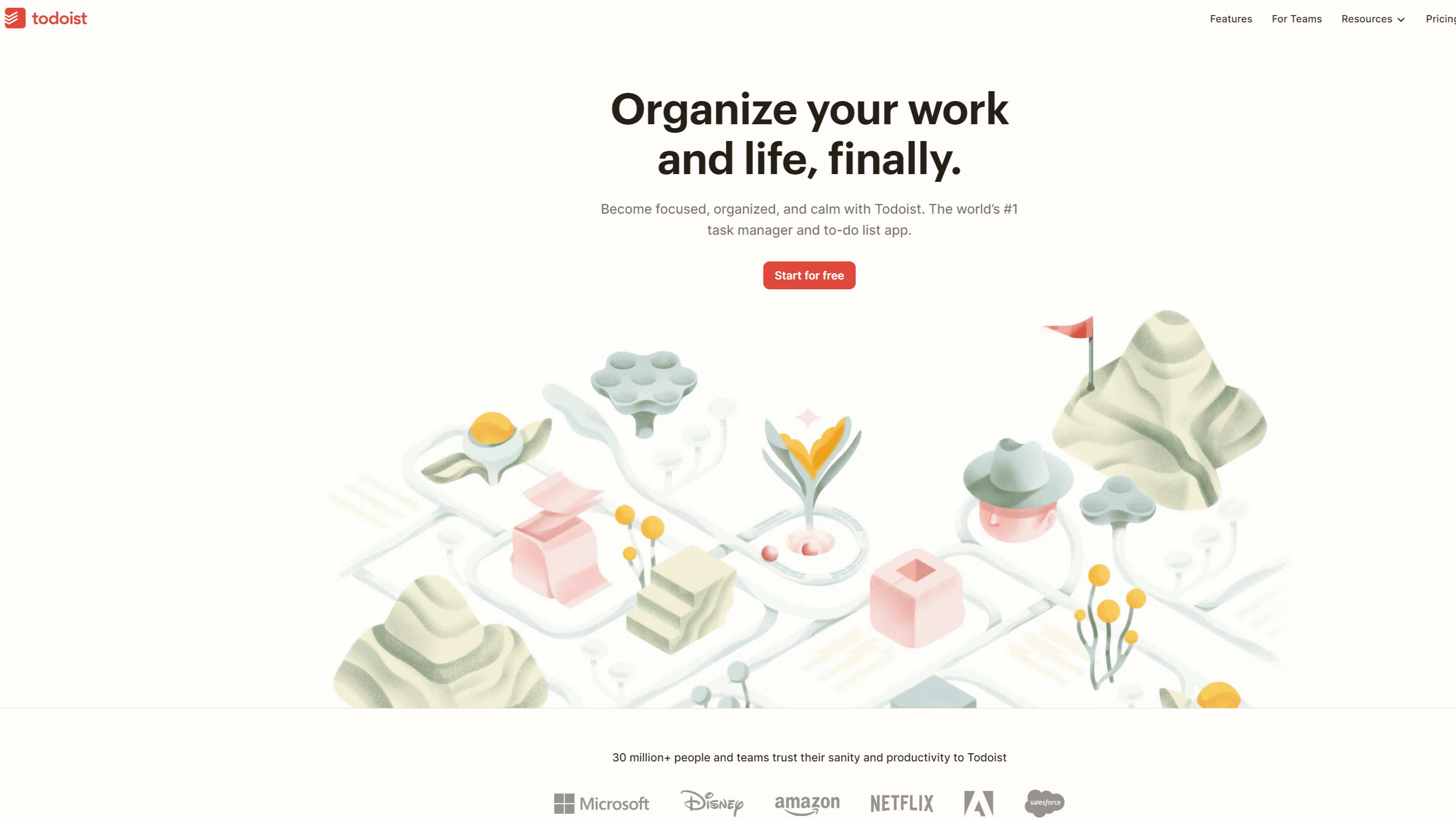
Todoist is a powerful task management and to-do list application. Using Todoist is simple – add a task and move it into a project. You can break tasks into subtasks, set up reminders, and assign priority levels to tasks. It also comes with a bunch of templates to help you accomplish everything from video making to grocery list writing – after all, designers need to eat.
What should you look for in web design tools?
Didn’t see a tool on this list that meets your needs? Consider the following when searching for the best web design tool for your workflow:
- Templates: Well-designed templates can save you a lot of time or provide inspiration to jumpstart a project.
- Customization: A great design tool allows you to customize, putting no limits on your imagination.
- Intuitive interface: Choose a design tool that’s easy to use and fits seamlessly into your workflow.
- Collaboration: Make sure you can easily collaborate with your team or clients and apply feedback and ideas.
- SEO: If you want to drive more traffic to your website, choose a platform with SEO tools.
- Responsive design: Your web design tools should adapt to your devices so you can easily navigate them wherever you go.
- No-code building: Consider if you want to leave coding to your developers. If so, choose a tool that lets you build code-free.
- Affordable plan: Plenty of free or affordable web design tools are available to help you achieve a streamlined workflow.