
In this post, we’ll take a look at the best Pinterest tools you can use to supercharge your social media strategy.
These Pinterest tools can help you to create awesome pins, schedule them efficiently, and track and optimize your campaigns.
The best Pinterest tools
To maximize your Pinterest marketing efforts, a variety of tools are available, each designed to enhance different aspects of your strategy. We distinguish
- Pinterest tools for scheduling
- Pinterest tools to grow your audience
- Pinterest tools to design your pins
- Pinterest tools for reporting and analytics
- Pinterest research tools
Pinterest tools for scheduling
Consistency is key on Pinterest, and scheduling tools help you maintain a regular posting schedule without being tied to your computer 24/7.
Utilize one of these tools and connect it to your Pinterest account. Then simply create and schedule pins in advance. Easy.
1 – Pallyy
Pallyy is a super useful tool that excels at scheduling posts for visual social media platforms like Pinterest and Instagram.
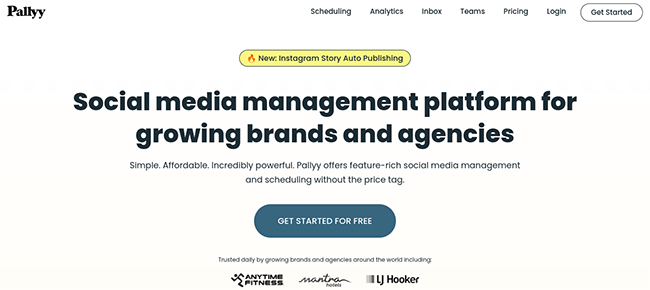
Once your Pinterest account is connected you can schedule your pins in advance using the visual calendar, which allows you to see previews of your upcoming pins, and easily make edits and updates to them.
You can either schedule posts at specific times or create preset publishing queues.
Pallyy also has a useful function that allows users to save hashtag lists to use in their upcoming posts, which makes planning your Pinterest hashtag strategy simple and convenient. Pallyy is extremely user-friendly, and you can schedule your pins both on desktop and on mobile devices.
Additionally, the tool integrates with Canva, which allows you to quickly design pins to publish without leaving the Pallyy site. You can also use it to schedule content for other social media platforms including Instagram, TikTok, and more.
Overall, it’s an extremely useful scheduling tool that’s perfect for Pinterest users.
2 – SocialBee
SocialBee is one of the best social media scheduling tools available and it can help you to stay on track with your Pinterest scheduling, and generate leads and sales from your social media campaigns.
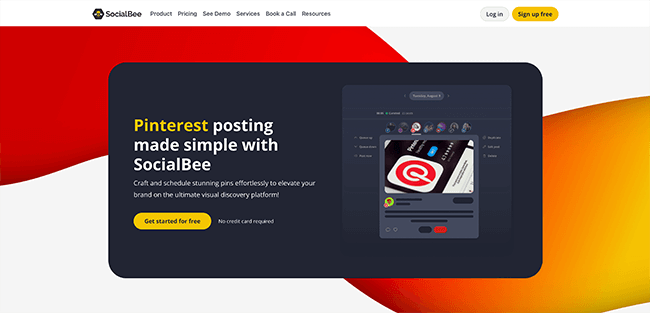
With SocialBee, you can create pins, schedule them, and even recycle old pins to post to your Pinterest boards. You can also save Hashtag collections and set up posting schedules to ensure that your Pinterest output is optimized and consistent.
One of the most interesting features that SocialBee offers is Content Categories. When you create your pins, you can assign each one to a category that can help you to plan your Pinterest strategy.
The Content Categories feature will then ensure that your upcoming pins are pulled from a variety of categories in order to keep your pins interesting and engaging for your audience and avoid repetition.
Not only is SocialBee a great choice for Pinterest users, but it can also be used to manage your other social media accounts too (Facebook, Twitter, Instagram, TikTok, etc). It’s a great scheduling tool that can make managing large social media campaigns a lot easier.
3 – Tailwind
Tailwind is a social media management app that can help you to create and publish content for your social profiles and automate aspects of your campaigns. As Pinterest automation tools go, it’s pretty full-featured and can really help to improve and simplify your campaigns.
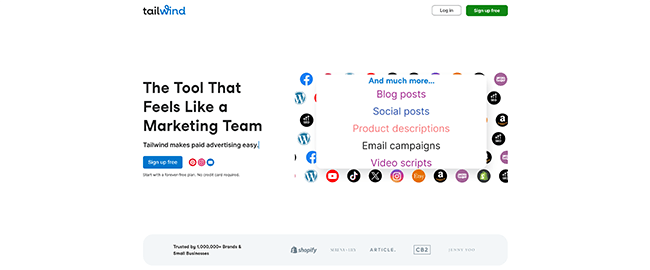
With Tailwind, you can design posts and pins, and automatically add your branding elements to images to create new content for your social profiles. You can also take advantage of automated scheduling features such as automatic publishing and the Personalized Smart Schedule, which publishes posts when your audience is the most active.
In addition to some advanced Pinterest automation features, Tailwind also offers some unique community features that can help you connect with other creators and grow your audience. The Communities feature makes it easy to find stats and information about other creators in your niche to help you plan content, arrange collaborations, and more.
Tailwind is optimized for visual content production and publishing, so it can also be used for scheduling and managing Instagram campaigns too.
4 – PromoRepublic
PromoRepublic is one of the most popular social media marketing tools available and it’s perfect for small businesses or agencies that want to get organized with their social media campaigns. As a Pinterest tool, it can be used to create, schedule, and publish your pins onto various boards and accounts all from one unified dashboard.
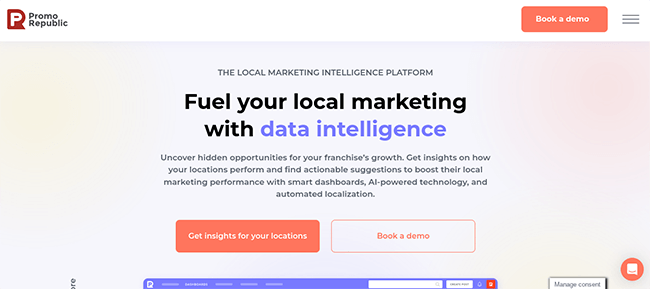
You can take advantage of PromoRepublic’s AI-powered smart posting feature which selects the perfect time to post your pins based on user activity. Promorepublic also has some cool content creation features that will help you to easily create pins using curated content and optimized templates.
In addition to Pinterest, PromoRepublic can be used to manage all major social media accounts, and it has some powerful collaboration features that make it super easy for teams and clients to work together when crafting social media strategies.
5 – Sprout Social
Sprout Social is an all-in-one tool that can help you to manage your Pinterest campaigns and other social accounts.
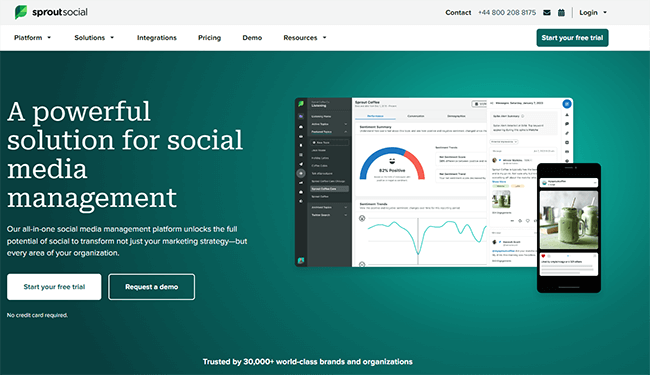
You can use Sprout Social to plan, schedule, and publish your pins in advance. This tool also has some powerful Pinterest analytics features that can be used to track and optimize your social media campaigns.
In addition, it also offers a social media listening feature to help you keep your finger on the pulse when it comes to tracking brand sentiment.
All in all, it’s one of the most full-featured social media management tools available and it’s perfect for Pinterest and more. It is, however, aimed more towards large companies and the pricing reflects that.
Pinterest tools to grow your audience
Social media marketing is not just about scheduling content on a social media platform and hoping your followers will increase. Growing your Pinterest audience is crucial for expanding your reach and increasing engagement. Several tools can help accelerate this process.
The best way to grow your audience is through running contests and giveaways.
6 – SweepWidget
SweepWidget is the ideal Pinterest tool to help you grow your audience faster with social media contests.
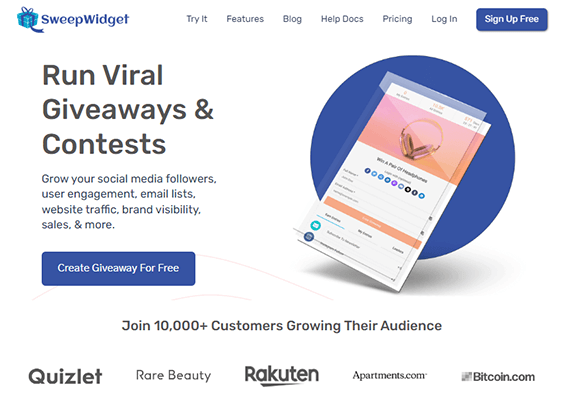
With SweepWidget, you can run awesome contests, giveaways, and sweepstakes that can help to boost engagement on your Pinterest boards, and on multiple platforms including your blog and other social channels.
You can create contents and giveaways that encourage users to complete certain actions to enter, including visiting a page, following a Pinterest user, following a board, submitting their own board or pin, and repinning a pin.
Creating giveaways and contests with SweepWidget is super easy, and you have lots of control when it comes to how you want to run your contests.
7 – Gleam
Gleam is a business growth platform that can help you to build your Pinterest audience with the help of contests and giveaways.
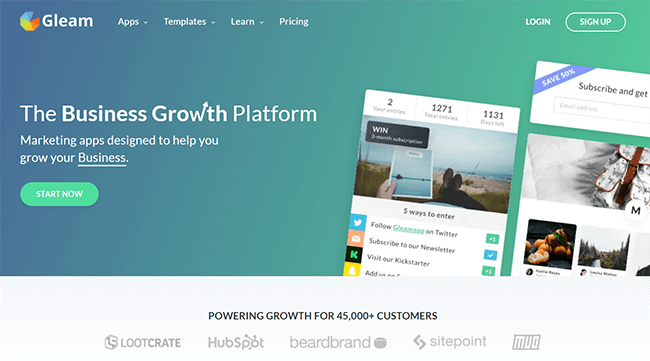
With Gleam, you can create contests, giveaways, and sweepstakes, and customize everything from the entry method to verified actions and more. Gleam also boasts some advanced features such as fraud protection to prevent users from entering your contests multiple times or creating a fake email or Pinterest account to enter.
Gleam also offers some other apps that can help you create instant reward schemes, galleries, and more, but it’s the competition app that is the most useful when it comes to Pinterest.
Pinterest tools to design your pins
Visually appealing pins are crucial for success on Pinterest. These design tools can help you create stunning pins, even without professional design skills.
Some social media management tools have this feature built-in or can be integrated with another image editing tool. For example, Pallyy includes a Canva integration so you can create images without leaving the platform.
8 – Visme
Visme is one of the best graphic design solutions available and a must-have addition to your Pinterest toolkit.
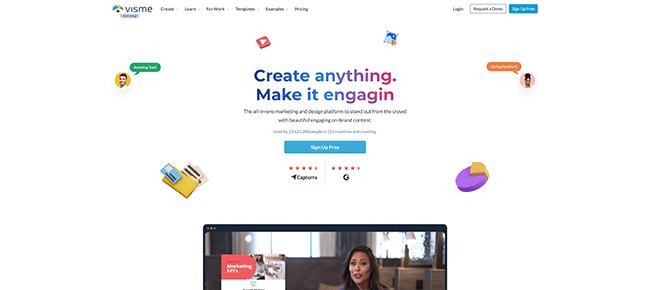
With powerful creation tools and a simple interface, it’s ideal for creating stunning social media graphics to use on Pinterest and elsewhere.
Start by selecting a professionally-designed social media template, then customize it by adding your own text, graphics, and icons. Once you’re done, you can publish it to Pinterest (and all your other favorite social networks) in one click.
9 – Canva
Canva is arguably the most popular online graphic design tool on the market. It’s completely cloud-based and helps you to create stunning Pinterest graphics online and in no time.
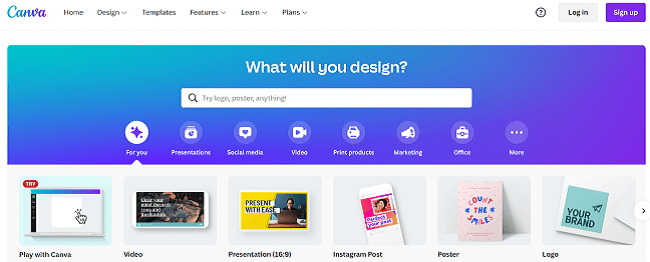
As with Visme, there are templates for all kinds of graphics from Pins to blog banners, and everything in between. Once you’ve chosen a template, you can drag in graphics, images, text, videos, and backgrounds to make it your own.
The free version of Canva is great to start out with but the premium version is next level. Upgrading to the pro version unlocks over a hundred million premium photos, videos, fonts, and templates to use in your designs.
Other cool premium features include the magic resize tool (which makes it easy to reformat your graphics for use on different social platforms), background remover, content planner, and animations.
Canva is also a great option for agencies and teams thanks to its sophisticated collaboration tools. It enables your team to work together seamlessly to manage your social posts. You can leave feedback, request approvals, and more.
10 – PicMonkey
PicMonkey is another great online graphic design tool that’s perfect for Pinterest users. If you didn’t like Visme or Canva, it’s definitely worth checking out.
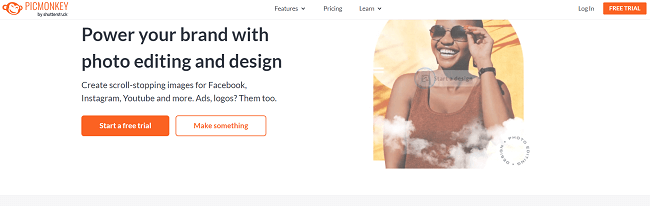
One thing we like about PicMonkey is its wide selection of stunning templates specifically for Pinterest. There are templates for all kinds of Pins, from infographics to stylish cover posters and even square Pins.
PicMonkey’s photo editor also stands out as one of the best in the graphic design space. You can add filters, artsy effects, color changes, and even remove backgrounds.
11 – Snagit
Snagit is a screen capture and recording software solution. It comes in useful for taking screenshots to use in the graphics you share on Pinterest.
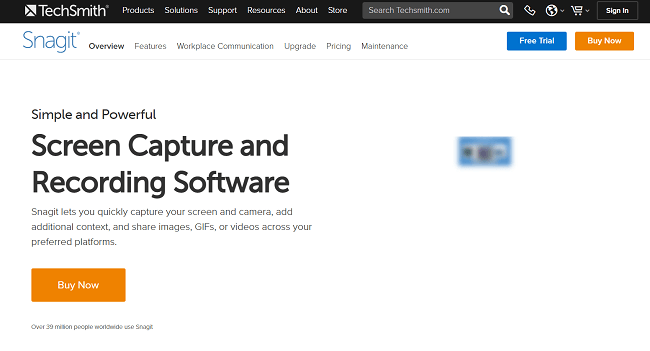
If you’re like most creators, you probably often browse the web to find inspiration for your posts.
When you come across something you want to share or use in your graphics, you might use the print screen command to take a screenshot of the whole page, then paste it into your editing software to trim out the area you want and tidy it up—but that’s an unnecessarily time-consuming process.
A much easier way to grab screenshots is to use a tool like Snagit to quickly snip out only the region of the screen you’re interested in, then use the built-in editing tools to tidy it up and turn it into a simplified graphic that’s ready to share.
12 – Stencil
Stencil is another awesome graphic design tool that you can use to create eye-catching Pinterest posts that grab your audience’s attention.
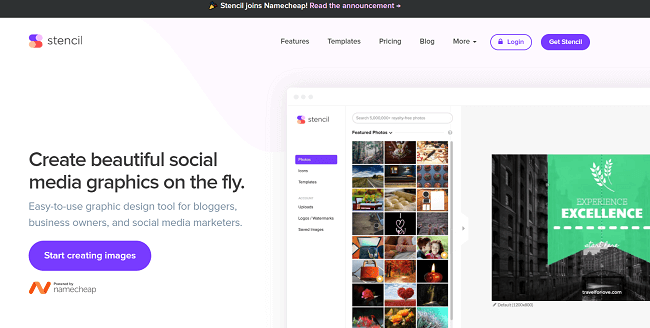
The interface itself is very easy to use—it’s a lot like Canva so if you’ve ever used that, you should be able to get the hang of it pretty quickly.
But what makes Stencil great is all the extra features and goodies that are built-in.
For example, there are over 5 million stock photos in the Stencil library that you can use in your graphics, as well as over 3 million icons and graphics and over a thousand customizable templates. All photos and icons are royalty-free so you can use them for personal or commercial use with peace of mind.
Once you’ve added your background image, you can overlay it with text in pretty much any font. Choose from over 4,750 google web fonts or upload your own.
Stencil also boasts some powerful integrations. It integrates with Chrome and Firefox browsers so you can create images as you browse the web, as well as the WordPress CMS, and social scheduling tools like Buffer.
Integration with Buffer means that once you’ve created your Pinterest graphics on Stencil, you can schedule them for posting without leaving the app.
Pinterest tools for reporting and analytics
Understanding your performance on Pinterest is key to refining your strategy. While Pinterest offers native analytics, these tools provide deeper insights.
Let’s take a look at some helpful Pinterest reporting and analytics tools.
13 – Pinterest Analytics
Pinterest Analytics is Pinterest’s own reporting and analytics tool built into the social media platform.
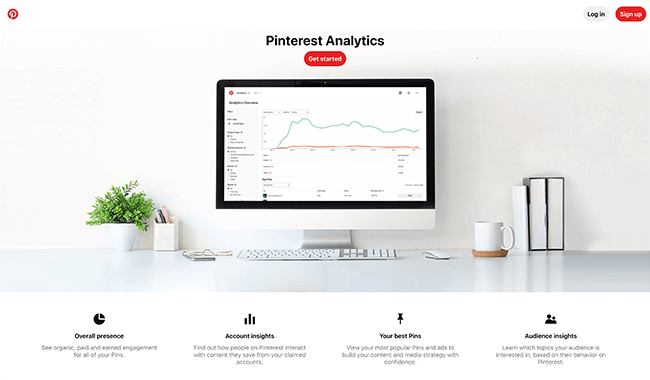
All you need is to log into your Pinterest account to access the Pinterest Insights tool which will give you data such as pin performance and the demographics of your audience.
From this you can monitor key metrics to help make your Pinterest marketing strategy more effective, and potentially drive more sales, conversions and leads towards your business or brand.
14 – Cyfe
Cyfe is an ‘all-in-one business dashboard’ that allows you to visualize all your key analytics data in real-time in one neat interface. It’s one of the best Pinterest analytics tools available.
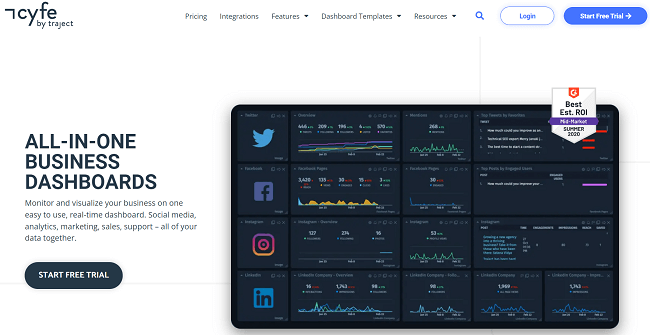
In addition to Pinterest, Cyfe’s analytics dashboard tool can also pull data from over 100 other social networks and business platforms including Facebook, Twitter, YouTube, Google Analytics, Google Ads, Facebook Ads, and Salesforce.
If you want, you can even use Cyfe’s Push API to gran and display data from your company’s own databases or other apps.
All of that data is displayed the way you want it. You can start from a pre-built dashboard template, connect your data, and then customize it to fit your preferences.
For example, if you want to monitor your performance towards your goals, you can use the widget goals feature to benchmark metrics against your own business objectives.
If you’re running a Pinterest marketing agency and managing a large team or multiple clients, you can visualize data for all your individual departments and clients in tandem. You can also share your dashboards with your clients to keep everyone informed.
Once you sign up, you also get access to powerful reporting tools and can set up automatic email reports and instant alerts via email or SMS.
15- Rival IQ
Rivaliq is a comprehensive social media analytics platform that offers specific features for Pinterest analysis. While it covers multiple social media platforms, its Pinterest capabilities are particularly strong, providing insights that go beyond Pinterest’s native analytics.
Key Features for Pinterest Analytics
- Competitive Benchmarking
- Compare your Pinterest performance against competitors and industry leaders
- Track metrics like follower growth, engagement rates, and pin frequency
- Identify gaps and opportunities in your Pinterest strategy
Example: A home decor brand used Rival IQ to discover that their top competitor was posting 30% more frequently and achieving 50% higher engagement rates. This insight led to a strategy adjustment that increased their own engagement by 40% over three months.
- Content Analysis
- Analyze which types of pins perform best for you and your competitors
- Track performance of different pin formats (static images, videos, carousel pins)
- Identify optimal posting times based on engagement data
Statistic: According to Rival IQ data, pins posted between 8 PM and 11 PM typically see 29% higher engagement rates across industries.
- Audience Insights
- Understand your audience demographics and how they compare to your competitors
- Track audience growth trends over time
- Identify potential audience overlap with competitors
- Board Performance
- Analyze the performance of different boards
- Track which boards are growing fastest and driving the most engagement
- Compare board strategies with competitors
Data Point: Rival IQ found that brands with 15-20 active boards see 39% higher engagement rates than those with fewer than 5 boards.
- Hashtag Analysis
- Track performance of hashtags used in your pins
- Discover trending hashtags in your industry
- Compare hashtag strategies with competitors
- Custom Reporting
- Create tailored reports focusing on the Pinterest metrics that matter most to your brand
- Schedule automated reports to keep stakeholders informed
- Export data for further analysis or presentation
3. Tailwind
In addition to scheduling, Tailwind offers robust analytics, including trending pin reports and board insights.
Pinterest research tools
Research is an important part of building a presence on Pinterest. The primary way to use research tools is to find popular group boards to join.
16 – PinGroupie
If you’re struggling to find the right boards to post your pins to, then PinGroupie is the tool for you. You can use this tool to search for group boards on Pinterest that are suitable for your niche.
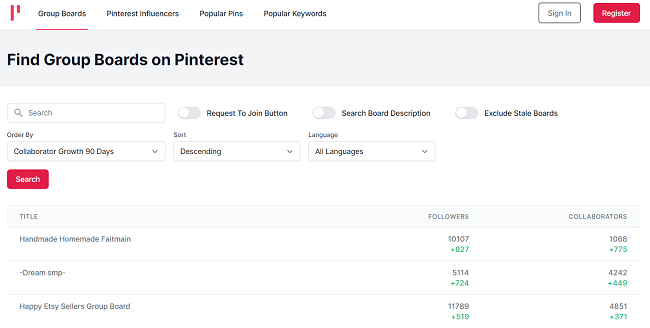
The dashboard shows important statistics such as how many followers and collaborators each board has, and you can find details about multiple boards with just a few clicks. You can also search for popular influencers, pins, and keywords.
This tool is super useful for planning your Pinterest content, and it can help you ensure that your pins get posted to the right place and perform as you’d like them to.
Pinterest tools FAQ
How many Pinterest tools do I need?
Whether you’re a casual blogger, or setting up a marketing campaign for a brand, the best tools to have at your disposal as a minimum are a social media management tool to automate your scheduling, an image editing tool and analytics.
Here we recommend Pallyy as you can schedule pins easily, and also it integrates with Canva so you can create beautiful pins all in the same tool. Pinterest analytics is sufficient for basic reporting.
Best of all, these 3 tools you can get for free!
Do I need a Pinterest automation tool?
Time is valuable, and running a Pinterest campaign effectively whether you’re an agency or an individual is imperative. An automation tool allows you to save time and effort by scheduling content not just to Pinterest, but to multiple social media channels all from one dashboard.
Some automation tools even allow you to track likes, pins, respond to comments and messages, as well as keep track of your analytics.
Will monitoring my analytics benefit my marketing efforts?
Just like with having a website, trial and error, and A/B testing is important to know what works and what isn’t working for your audience.
Having a social media analytics tool allows you to refine your social media strategy and understand what appeals to your audience, and at what time and day. You can then optimize your pins to get the best conversions.
How often should I publish pins on Pinterest?
There is no definitive answer to this one as it depends on your niche and how often your audience likes to hear from you – this can vary from one new pin daily to one per week.
However, pins are more popularly published on Mondays and Tuesdays compared to the weekend.
What are the best free Pinterest tools?
If you’re on a budget, or need to allocate your expenditure elsewhere, luckily you can get a bunch of free Pinterest tools, and when you’re ready you can upgrade to a premium plan.
- Scheduling – Pallyy and Tailwind are both scheduling tools that offer free plans.
- Giveaways & contests – SweepWidget has a basic free plan.
- Photo editing tools – You can design pins for free with both Visme & Canva.
- Analytics – Pinterest Analytics is a straight-forward easy to use reporting tool.
- Research – PinGroupie is great for Pinterest group boards research.
Conclusion
With a global rating of 14th, Pinterest is arguably one of the most underappreciated social media sites, but its popularity only seems to be increasing.
Now is the ideal time to make an investment in Pinterest marketing solutions to assist you become more active on the platform.
The best course of action is to assemble a tool stack or go with an all-in-one solution that will enable you to manage and plan posts, produce amazing content, and establish your Pinterest brand.
The following are some tools that we wholeheartedly advise attempting:
- Pallyy – Best Pinterest tool for scheduling posts and managing your social media calendar. Supports Facebook, Twitter, Instagram, LinkedIn, Google Business, and TikTok. Free plan also available.
- SocialBee – Best Pinterest tool for scheduling evergreen content. Supports other popular networks including Instagram, and TikTok.
- Tailwind – Another popular Pinterest scheduler that includes “Communities,” to help promote your pins.
- SweepWidget – Social media contests are one of the best ways to grow your online presence. SweepWidget’s free plan makes it easy to get started.
If you’re searching for a free Pinterest marketing tool, consider checking out Pallyy, Visme, and SweepWidget’s free plans. You may plan, organize, and carry out a giveaway to draw more attention to your Pinterest account using these tools from Pinterest.